Scratch & Game Design
Guided Project
Escape from the Giant Pigeon
Build a fast chase game with known positions, collision rules, win and loss states, and reliable restart behaviour.
See how it worksProgram / Scratch & Game Design
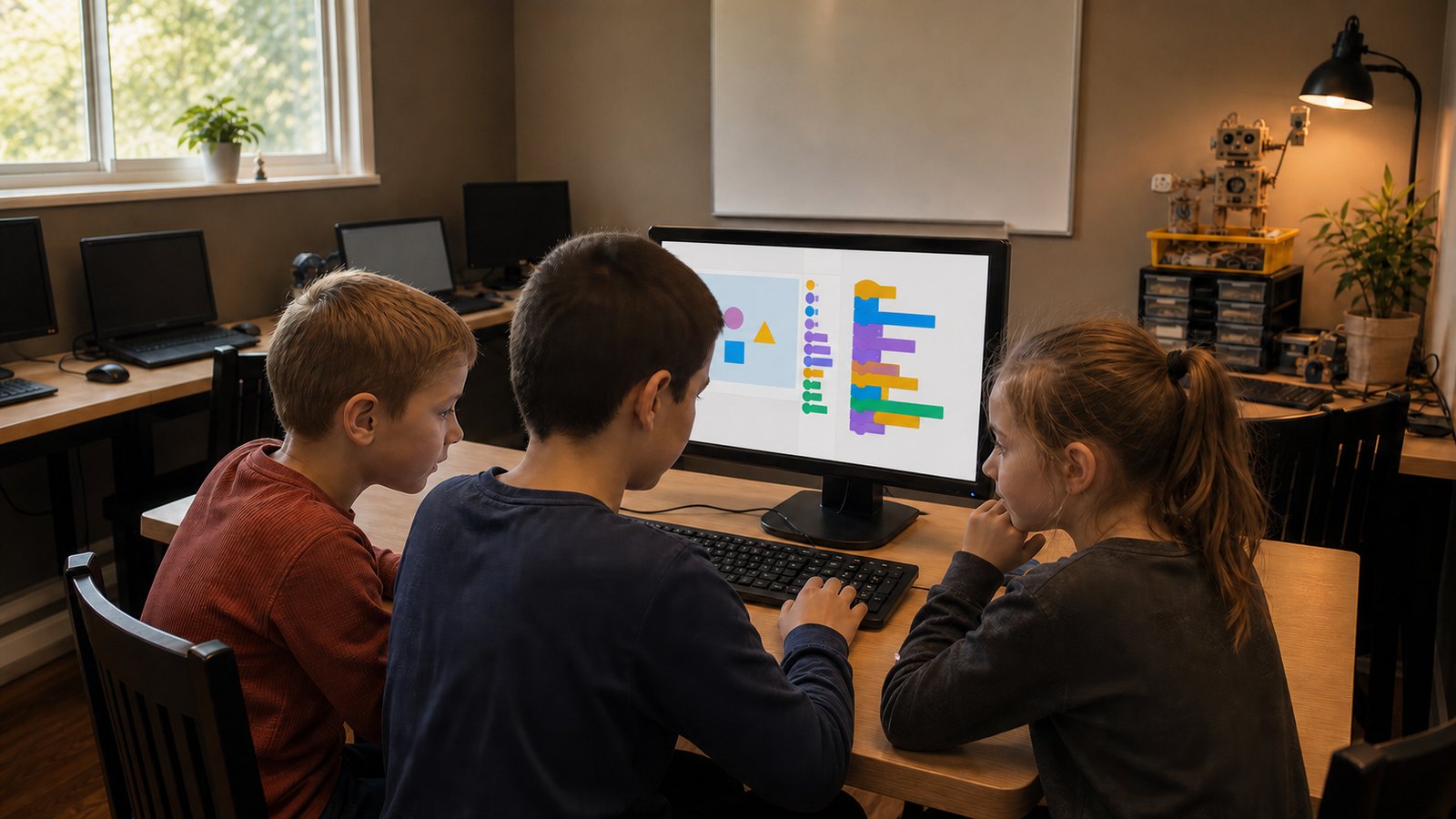
Scratch lets students make something move before syntax has had a chance to ruin the afternoon. The blocks are approachable; the decisions behind them are real programming.
Topic path
Start with the available guides and lessons. The remaining topics show how the program can grow.
Follow one idea all the way through
Start with the coordinate guide, use it in a lesson, then watch the same idea return in three very different games.
Class format
The funny premise earns attention. The class makes the system visible underneath it.
Eight Scratch projects
Build a fast chase game with known positions, collision rules, win and loss states, and reliable restart behaviour.
See how it worksDefend a mug of cocoa from falling snowballs. Each wave gets faster, and winter becomes less reasonable.
See how it worksCreate a virtual pet with needs that change over time and actions that affect more than one value.
See how it worksBuild a one-room platform game with a controlled jump, safe platforms, lava, and a clean restart.
See how it worksSend movement commands to a robot hamster as it crosses a small security map.
See how it worksBuild a quiz that checks answers, gives useful feedback, keeps score, and knows which question comes next.
See how it worksNavigate a space taxi between coordinate-based pickups and destinations.
See how it worksTrack several drifting chickens, collect them once each, and stay out of the danger zones.
See how it worksComputer Lab connection
Once a guided game works, Computer Lab time can go into another level, different controls, an awkward edge case, or a new version built from the same idea.
How Computer Lab time worksA finished game gives the conversation somewhere to start.
A student can point to a rule, show a bug, explain a variable, and demonstrate why the latest version behaves differently from the first.
More answers for parentsContact Eugene for current scheduling and a suitable starting point.